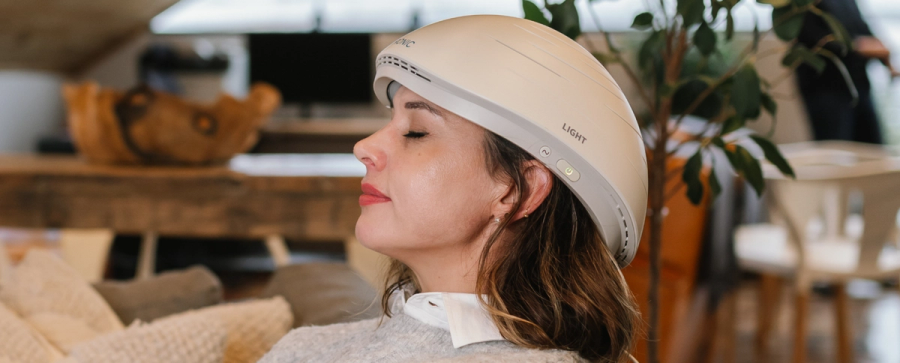
Here is a helpful video on setting up the Neuronic LIGHT and connecting to the app.
To connect your Neuronic LIGHT helmet to the app, follow these steps:
Turn on the helmet to enable pairing mode. If it’s not already connected to another device, it will automatically enter pairing mode. The power button will slowly flash/wave a white light to indicate it is in pairing mode.
Enable Bluetooth on your smart device.
- Open the Neuronic app and create an account using your email address.
Once the app is open you should seen an option to connect your device. your helmet should appear in the list (e.g., Neuronic_LIGHT_1a2b3c).
Select the helmet name to connect. Once paired, the power button will glow solid white to confirm the connection.
📌 Tip: Stay within 16 ft (5 m) of your smart device for a strong signal. If the connection is lost, moving closer will usually re-sync it automatically.
If you're having trouble pairing, make sure your Neuronic app is up to date and ensure it is in pairing mode. If you need assistance please contact our support team.