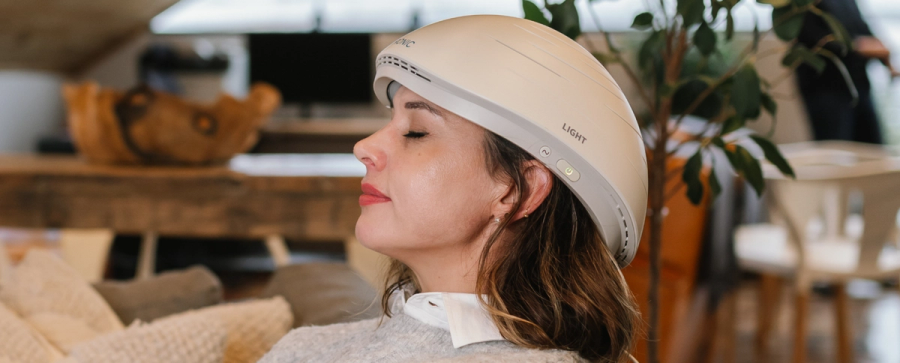
Once the program is selected, place the helmet comfortably on your head and remain relaxed until the session ends.
Step-by-Step Instructions
Plug in the Neuradiant 1070.
Connect the controller.
Turn the device on.
Select one of the pre-set programs (3–10 minutes).
Place the helmet comfortably on your head.
Relax for the duration of the session.
When the session is complete, you will hear three beeps, indicating that the program has ended. You may then remove the helmet and turn off the device.
Before and During Your Session
We recommend drinking a glass of water before starting.
Many users choose to read, meditate, or relax on their phone during treatment.
Remain seated and comfortable throughout the session.
Need Help With Setup?
A step-by-step setup and usage video is available to guide you through the process.
Each Neuradiant 1070 also includes a complimentary introduction session, where we:
Review device setup
Assist with controller programming
Answer any questions
Please check your email inbox for booking instructions after purchase. If you need assistance, contact support@neuronic.online.
Summary
Using the Neuradiant 1070 involves plugging in the device, selecting a 3–10 minute program, and wearing the helmet comfortably until the session completes. A setup video and complimentary introduction session are included to help you get started.